


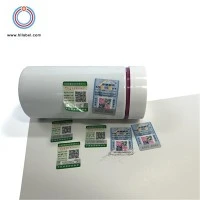

Can I design my own sticky barcode labels?
In today's highly competitive business landscape, branding and product identification are crucial. Sticky barcode labels play a significant role in this process, as they not only help with inventory management but also serve as a powerful branding tool. As a supplier of sticky barcode labels, I often get asked the question: "Can I design my own sticky barcode labels?" The answer is a resounding yes, and in this blog post, I'll explore the possibilities, benefits, and steps involved in designing your own sticky barcode labels.
The Possibilities of Designing Your Own Sticky Barcode Labels
One of the most exciting aspects of designing your own sticky barcode labels is the level of customization it offers. You have the freedom to choose the size, shape, color, and design elements that best represent your brand. Whether you're a small business owner looking to add a personal touch to your products or a large corporation aiming for a consistent brand image, custom-designed labels can make a significant impact.
For instance, you can incorporate your company logo, brand colors, and unique graphics into the label design. This not only helps with brand recognition but also makes your products stand out on the shelves. Additionally, you can choose from a variety of barcode types, such as QR codes, UPC codes, and EAN codes, depending on your specific needs. QR codes, for example, can be used to provide additional product information, link to your website, or offer special promotions.
Another possibility is the ability to create labels for different purposes. You can design labels for product identification, inventory management, shipping, and even marketing. For example, you can create promotional labels with discount codes or limited-time offers to attract customers. This flexibility allows you to tailor your labels to meet the specific requirements of your business.
The Benefits of Designing Your Own Sticky Barcode Labels
There are several benefits to designing your own sticky barcode labels. Firstly, it gives you greater control over the branding and messaging of your products. By creating custom labels, you can ensure that your brand identity is consistent across all your products, which helps to build trust and recognition among your customers.
Secondly, custom-designed labels can improve the efficiency of your business operations. Barcode labels can be used to track inventory, manage orders, and streamline the shipping process. By designing your own labels, you can ensure that they are optimized for your specific business needs, which can save you time and money in the long run.
Thirdly, designing your own sticky barcode labels can be a cost-effective solution. While there may be some upfront costs associated with designing and printing the labels, in the long term, it can be more economical than purchasing pre-designed labels. This is especially true if you have a large volume of products to label or if you need to make frequent changes to your label design.
Finally, custom-designed labels can enhance the overall customer experience. A well-designed label can make your products look more professional and appealing, which can increase customer satisfaction and loyalty. By providing additional information or promotions on the label, you can also engage with your customers and build a stronger relationship with them.
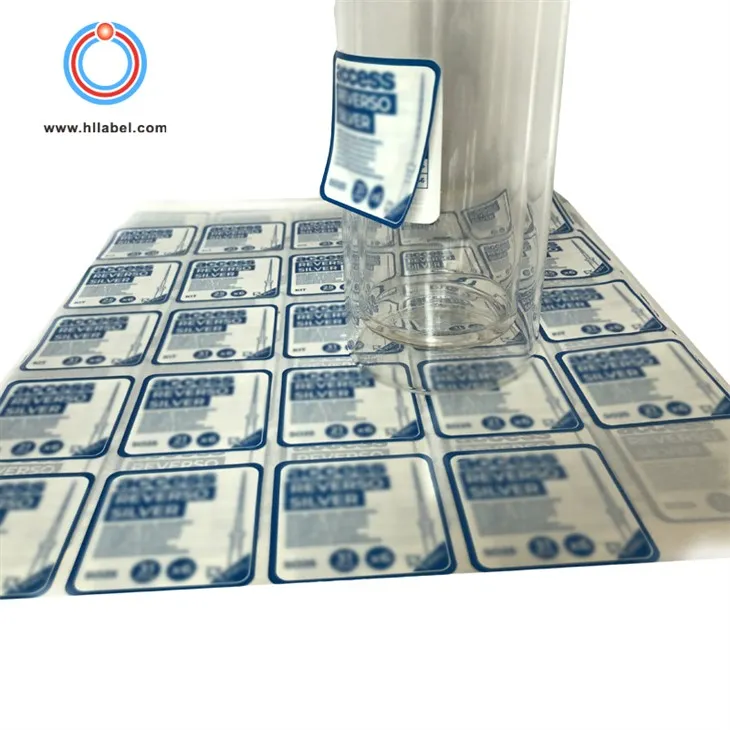
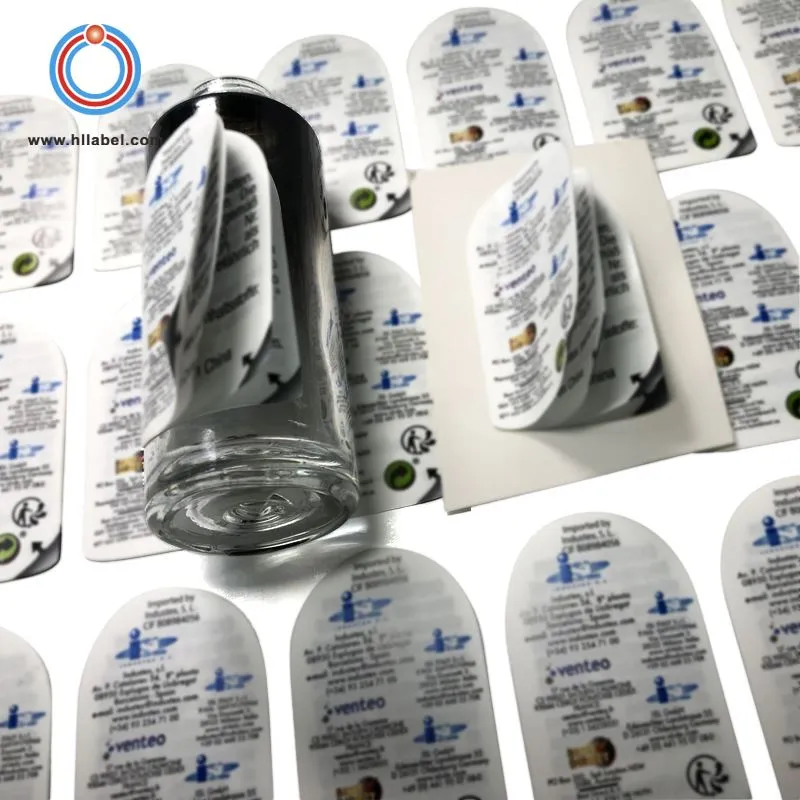
Steps to Design Your Own Sticky Barcode Labels
Designing your own sticky barcode labels may seem like a daunting task, but with the right tools and guidance, it can be a straightforward process. Here are the steps to follow:
- Define Your Requirements: Before you start designing your labels, it's important to define your requirements. Consider the size, shape, and quantity of the labels you need, as well as the type of barcode and any other design elements you want to include. You should also think about the purpose of the labels and the message you want to convey.
- Choose a Design Software: There are several design software options available, ranging from free online tools to professional graphic design software. Some popular options include Adobe Photoshop, Illustrator, and Canva. Choose a software that you're comfortable using and that offers the features you need to create your labels.
- Create Your Design: Once you've chosen a design software, it's time to start creating your design. Begin by selecting a template or starting from scratch. You can then add your company logo, brand colors, and other design elements to the label. Make sure to include the barcode and any other necessary information, such as product name, description, and price.
- Test Your Design: Before you print your labels, it's important to test your design to ensure that it looks good and functions properly. You can print a sample label on regular paper to see how it looks and to check for any errors or issues. You should also test the barcode to make sure it scans correctly.
- Choose a Printing Method: There are several printing methods available for sticky barcode labels, including digital printing, offset printing, and screen printing. Each method has its own advantages and disadvantages, so it's important to choose the method that best suits your needs and budget. Digital printing is a popular option for small quantities and custom designs, while offset printing is better suited for large quantities and high-quality prints.
- Print Your Labels: Once you've chosen a printing method, it's time to print your labels. You can either print them yourself using a label printer or have them printed by a professional printing company. If you choose to print them yourself, make sure you have the right equipment and supplies, such as label paper and ink.
- Apply Your Labels: After your labels are printed, it's time to apply them to your products. Make sure to clean the surface of the product before applying the label to ensure that it adheres properly. You can use a label applicator or apply the labels by hand.
Additional Resources for Designing Your Own Sticky Barcode Labels
If you're looking for more information and resources on designing your own sticky barcode labels, there are several websites and online communities that can provide valuable insights and support. Here are some recommended resources:
- Non Adhesive Printable Labels: This website offers a wide range of non-adhesive printable labels that can be used for various purposes. You can find templates, design tools, and printing options to help you create your own labels.
- Sticky Dot Labels: Sticky dot labels are a popular choice for product identification and labeling. This website provides information on different types of sticky dot labels, as well as design and printing options.
- Blank Self Adhesive Labels: If you're looking for blank self-adhesive labels to create your own designs, this website offers a variety of sizes and shapes. You can also find printing options and design tools to help you get started.
Conclusion
Designing your own sticky barcode labels is a great way to add a personal touch to your products, improve brand recognition, and streamline your business operations. With the right tools and guidance, it's a straightforward process that can be done by anyone, regardless of their design skills. Whether you're a small business owner or a large corporation, custom-designed labels can make a significant impact on your bottom line.
If you're interested in learning more about designing your own sticky barcode labels or if you have any questions or concerns, please don't hesitate to contact us. We're a leading supplier of sticky barcode labels, and we're committed to providing our customers with high-quality products and exceptional service. We can help you choose the right label design, printing method, and materials to meet your specific needs and budget. Contact us today to start the conversation and take your branding and product identification to the next level.
References
- "Barcode Label Design: A Guide to Creating Effective Labels." Barcode Resource Center.
- "The Benefits of Custom Barcode Labels for Your Business." Label Planet.
- "How to Design and Print Your Own Barcode Labels." Canva.